
Download Ad Remover – ad blocker, fast browsing, privacy protection
Overview
Ad Remover, developed by Browsetech LLC, is a dedicated ad‑blocking extension that focuses on delivering a clean, faster, and more private browsing experience. Unlike many security suites that bundle ad‑blocking as a secondary feature, Ad Remover stands alone as a lightweight, purpose‑built tool. Once installed, it intercepts and blocks a wide range of online advertisements—pop‑ups, banner ads, video pre‑rolls, and even the increasingly aggressive YouTube and Facebook ads—while simultaneously preventing tracking cookies from harvesting your data. The result is a noticeable reduction in page‑load times, with independent tests showing an average 44 % speed boost across popular websites.
The application operates as a browser extension, and while it can be added to most modern browsers, it has a particular affinity for Mozilla Firefox on both desktop and mobile platforms. When you first launch the extension, it offers a seamless, no‑sign‑up onboarding experience; you simply add the extension to your preferred browser and start blocking ads immediately. For mobile users, the process involves a brief download of the companion app before the extension can be attached to the mobile Firefox browser.
Ad Remover is not a free product, but it does provide a generous 7‑day free trial for first‑time users. During this period, you can explore the full suite of features—including unlimited ad blocking, real‑time statistics on blocked content, and the ability to whitelist specific sites if you wish to support a publisher. After the trial, a subscription unlocks ongoing updates, multi‑device licensing (up to five devices), and premium support via a dedicated 7‑day‑a‑week phone line. Whether you’re a casual surfer looking to eliminate annoying banner ads or a power user seeking to safeguard your privacy, Ad Remover delivers a focused, reliable solution without the bloat of larger security applications.
Key Features
- Comprehensive Ad Blocking: Blocks pop‑ups, banners, video ads, animated GIF ads, and sponsored content across all major websites, including YouTube, Facebook, and webmail platforms.
- Tracking Cookie Prevention: Detects and disables third‑party tracking scripts, helping to keep your browsing habits private.
- Speed Enhancement: By removing resource‑heavy ads, pages load up to 44 % faster, reducing data consumption on limited‑bandwidth connections.
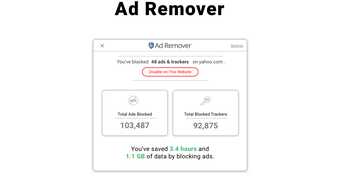
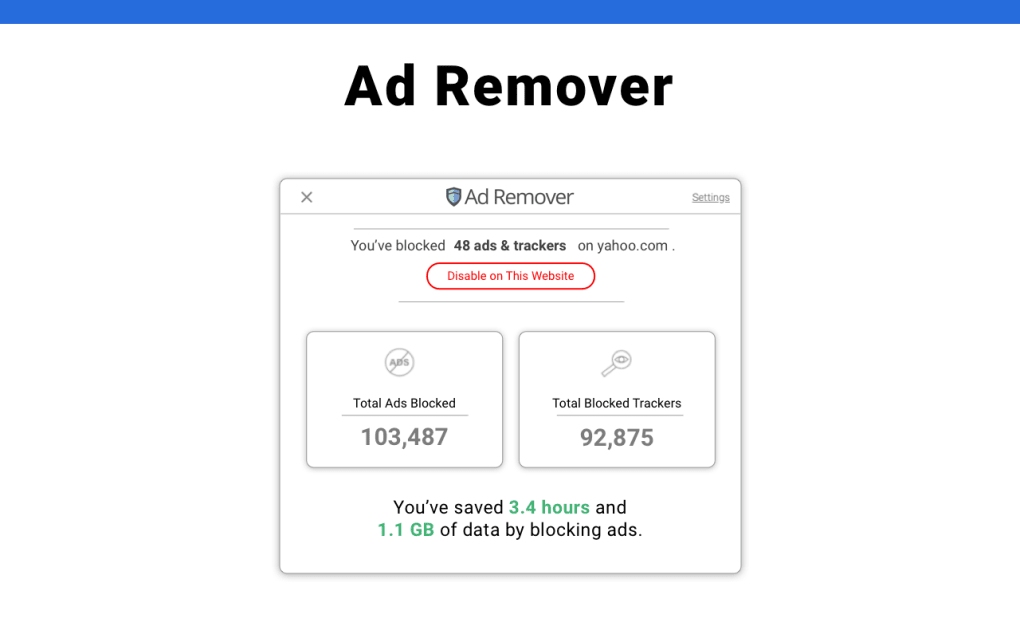
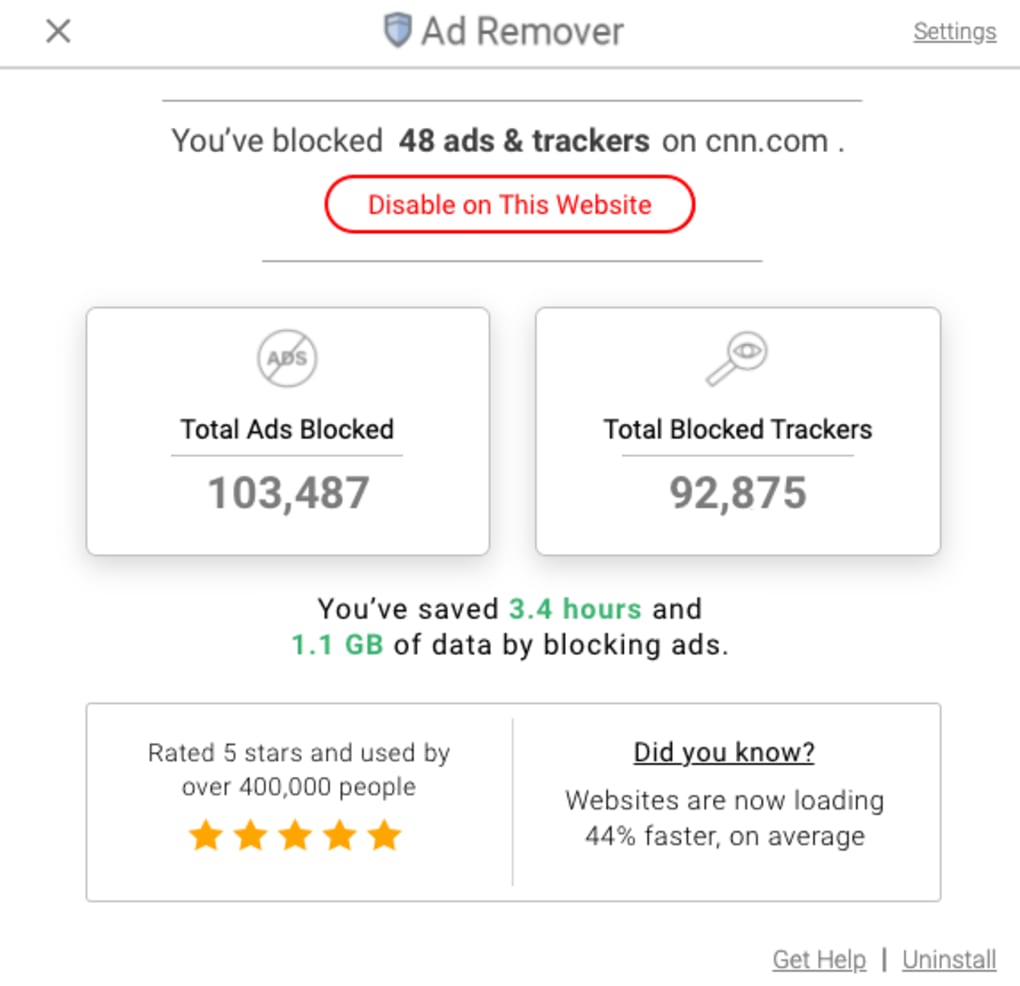
- Live Blocking Dashboard: An intuitive interface displays real‑time statistics on the number and type of ads blocked during each browsing session.
- Site‑Specific Whitelisting: Allows you to disable the blocker on chosen domains, giving you control over which sites can display ads.
- Multi‑Device Licensing: One subscription covers up to five devices—desktop, laptop, tablet, or smartphone—ensuring consistent protection across your ecosystem.
- Premium Support: 24/7 phone assistance for subscribers, helping resolve any configuration or compatibility issues quickly.
- Automatic Updates: Regular rule‑set updates keep the blocker effective against new ad formats and emerging tracking techniques.
Installation & Usage Instructions
Getting started with Ad Remover is straightforward, whether you’re on a Windows PC, macOS, Android, or iOS device. Follow the steps below to install the extension and begin enjoying an ad‑free browsing experience:
- Visit the Official Site: Navigate to the Ad Remover landing page and click the “Add to Firefox” button. For mobile users, the site will prompt you to download the companion app from the Google Play Store or Apple App Store.
- Download the Companion App (Mobile Only): Install the app, open it, and grant the necessary permissions to allow the extension to integrate with your mobile Firefox browser.
- Install the Extension: Once the app is installed, a notification will appear asking you to enable the Ad Remover extension. Accept the prompt, and the extension will be added to Firefox automatically.
- Activate the Free Trial: Upon first launch, a pop‑up will offer a 7‑day free trial. Click “Start Trial” to unlock the full feature set without entering payment details.
- Configure Settings: Access the extension’s dashboard by clicking the Ad Remover icon in the toolbar. From here, you can view real‑time blocking stats, enable/disable site‑specific whitelisting, and adjust privacy levels.
- Subscribe for Unlimited Access: When the trial expires, you’ll be prompted to choose a subscription plan. Payment can be made securely through the built‑in checkout, and your license will instantly activate across all linked devices.
Throughout the installation process, Ad Remover maintains a minimalist approach—no account creation, no intrusive data collection, and no hidden fees. The extension also respects your privacy by storing only essential configuration data locally, ensuring that your browsing history remains confidential.
For power users, advanced options are available via the “Advanced Settings” tab. Here you can import custom filter lists, set strict blocking levels, and even export your configuration for backup purposes. Whether you’re a beginner looking for a set‑and‑forget solution or an experienced user who wants granular control, the installation and usage flow is designed to be both intuitive and flexible.
Performance, Compatibility & Pros & Cons
Ad Remover performs consistently across a wide range of operating systems and browsers, though it shines brightest when paired with Mozilla Firefox. Below is a detailed look at its compatibility, performance metrics, and the strengths and weaknesses identified by real‑world users.
Compatibility (itemprop="operatingSystem")
- Windows 10/11 (64‑bit)
- macOS 12 Monterey and later
- Linux distributions with Firefox installed
- Android 8.0 and later (via companion app)
- iOS 13 and later (via companion app)
The extension is optimized for Firefox’s quantum engine, which means it utilizes native APIs for faster filtering and lower memory overhead. While it can be installed on Chrome, Edge, or Safari, some advanced features—such as the live blocking dashboard—are currently exclusive to Firefox, resulting in a slightly less seamless experience on other browsers.
Pros
- Significant reduction in page load times (average 44 % faster).
- Comprehensive blocking of all major ad formats, including video pre‑rolls.
- Effective privacy protection by eliminating third‑party tracking cookies.
- Clear, real‑time visual feedback on blocked content.
- Multi‑device licensing reduces overall cost for families or small teams.
- 24/7 premium support for subscribers ensures quick issue resolution.
- Automatic rule updates keep the blocker effective against emerging ad techniques.
Cons
- Not a free tool; the subscription cost may deter casual users.
- Full feature set is limited to Firefox; Chrome and Safari users miss out on some UI features.
- Requires a companion app for mobile browsers, adding an extra installation step.
- Limited advanced customization compared to open‑source ad‑blockers like uBlock Origin.
- Whitelisting must be done manually per site, which can be time‑consuming for power users.
Overall, the performance gains and privacy benefits outweigh the minor drawbacks for most users, especially those who already rely on Firefox as their primary browser. The subscription model provides continuous updates and support, ensuring that the tool remains effective as the advertising ecosystem evolves.
Frequently Asked Questions
How does Ad Remover differ from free ad‑block extensions?
Ad Remover focuses exclusively on ad‑blocking without bundling additional security tools, which reduces bloat and improves performance. It also provides a dedicated support line, automatic filter updates, and a multi‑device licensing model that many free extensions lack.
Can I use Ad Remover on browsers other than Firefox?
Yes, the extension can be installed on Chrome, Edge, and Safari, but some advanced features—such as the live blocking dashboard and detailed statistics—are currently only available in Firefox.
Is my browsing data stored or sold?
No. Ad Remover stores only essential configuration data locally on your device. It does not collect, sell, or share your browsing history with third parties.
What happens after the 7‑day free trial ends?
When the trial expires, you’ll be prompted to select a subscription plan. If you choose not to subscribe, the extension will continue to run in a limited mode, blocking only the most intrusive ads and disabling premium features.
Can I whitelist specific websites?
Absolutely. The dashboard includes a simple “Whitelist” button for any site you wish to support or where you need ads to display for functionality.
Does Ad Remover affect page layout or functionality?
In most cases, blocking ads improves page layout by removing empty spaces left by removed ad containers. However, on very ad‑heavy sites, occasional layout shifts may occur, which can be resolved by adding the site to the whitelist.
Conclusion & Call to Action
Ad Remover offers a focused, high‑performance solution for anyone tired of intrusive advertisements and privacy‑draining trackers. Its seamless integration with Firefox, combined with a clean user interface and real‑time statistics, makes it stand out among both free and paid competitors. While the subscription cost may be a consideration, the value delivered—faster page loads, robust privacy protection, multi‑device licensing, and dedicated support—justifies the investment for frequent internet users, professionals, and families alike.
If you’re ready to experience a cleaner, faster web without the hassle of pop‑ups and hidden trackers, click the button below to start your 7‑day free trial. No sign‑up, no hidden fees—just an immediate improvement to your browsing experience. Embrace ad‑free surfing today and see the difference for yourself.







